Intake
Send the right intake forms on your own timing, remind patients until they finish, and post responses into discrete EHR fields so your front desk validates instead of re-keying.
Get a demo →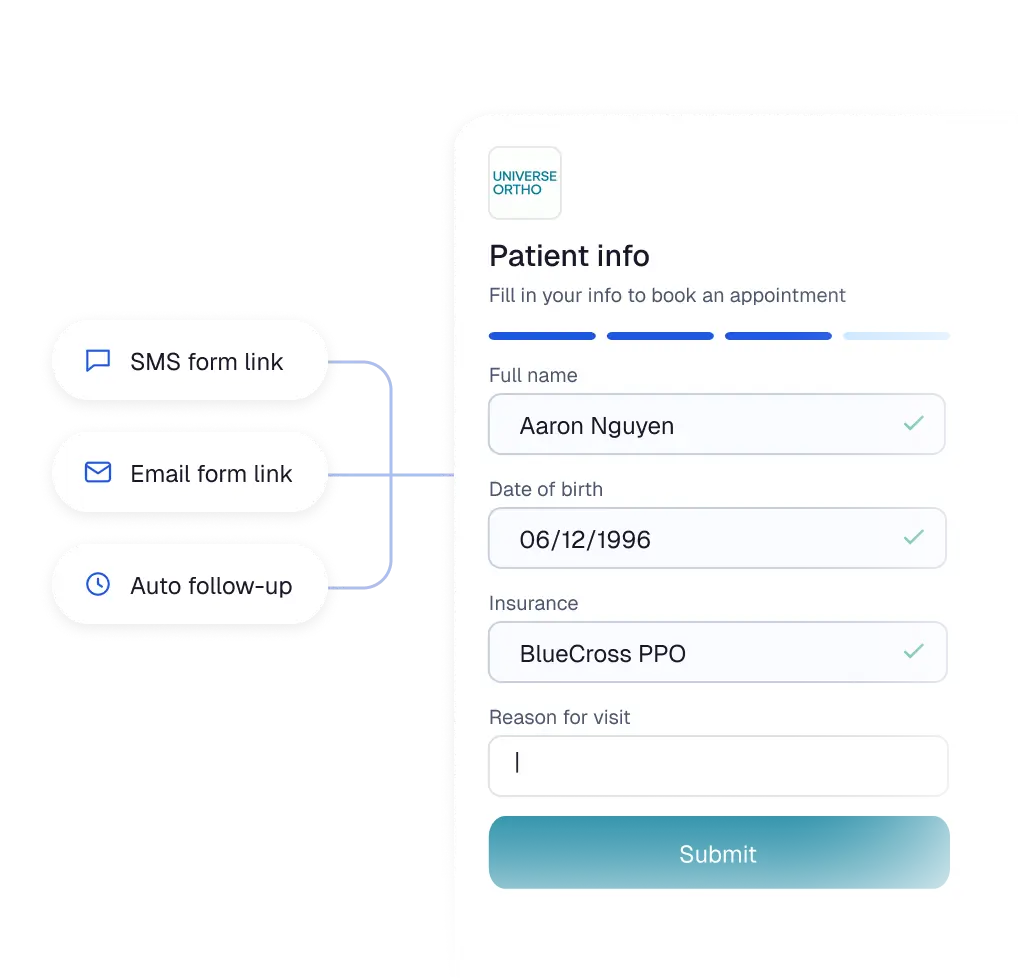
Streamline the journey from the first touchpoint to the final follow-up, keeping patient data synchronized and your administrative workload light.
Assort posts answers into discrete EHR endpoints on a mapping scoped per form, attaching a PDF only where no endpoint exists, so information arrives where your downstream workflows already look for it instead of waiting for someone to re-type it.
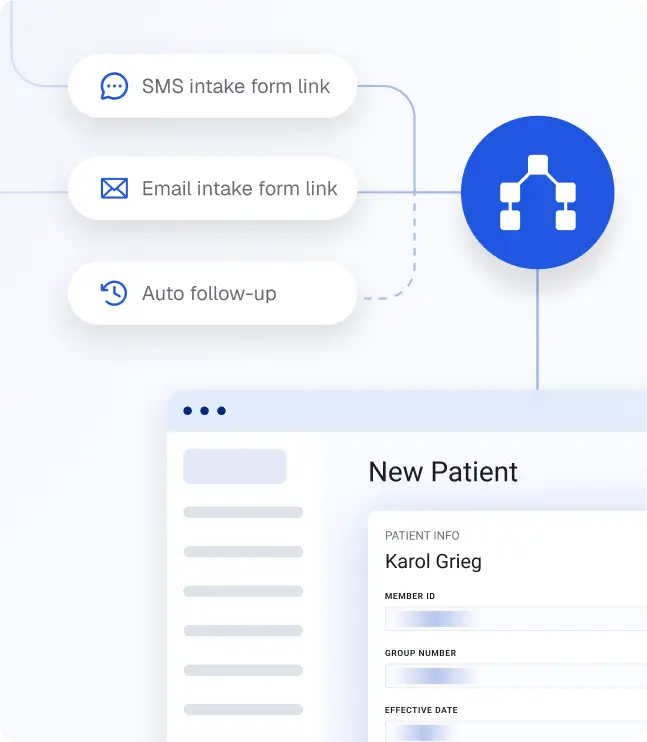
Forms run on the same patient record as the scheduling call, so known details pre-fill, prior answers carry forward, and recently completed forms are skipped, which means fewer patients abandon the form before they finish.
Conditional logic, PDF-to-digital conversion, outreach timing, reminder frequency, message templates, and branding are all yours to change in the builder, so your forms keep matching how you actually practice.
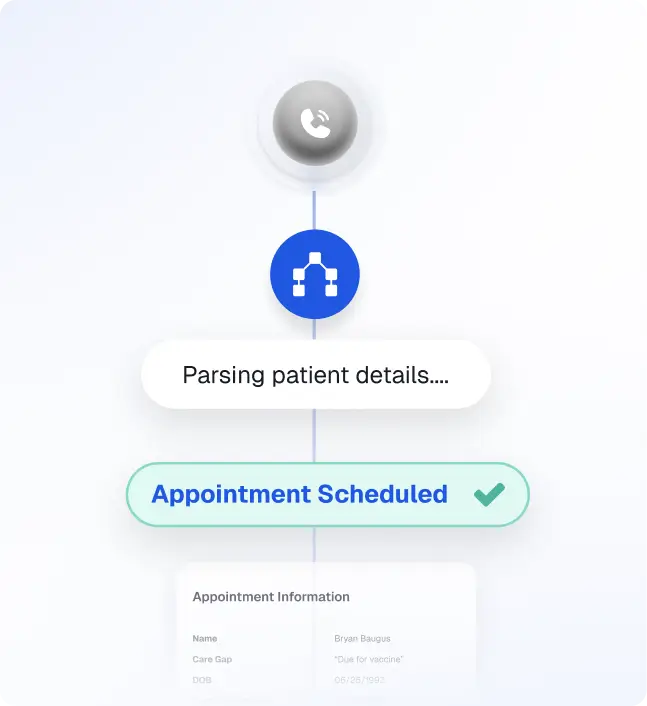

Build and edit forms yourself, with conditional logic and PDF upload that auto-generates a digital version.

Set which forms go out, when, on which channel, and how many reminders, by appointment type, provider, and location.

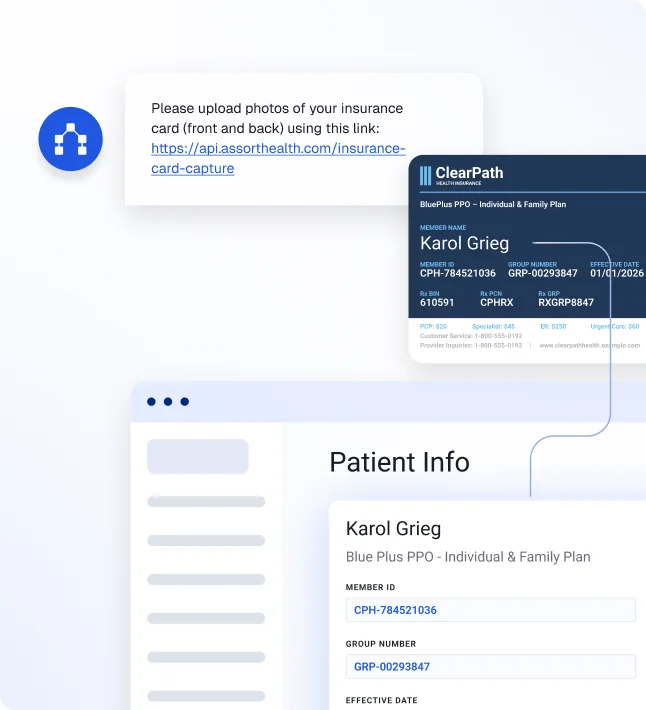
Let patients photograph their card and parse the details into the record.

See form completion across the day’s schedule, in a dashboard or overlaid on your EHR.

Collect copays and balances through the forms or at the counter.

Let patients check in on a kiosk or tablet and finish anything still outstanding.
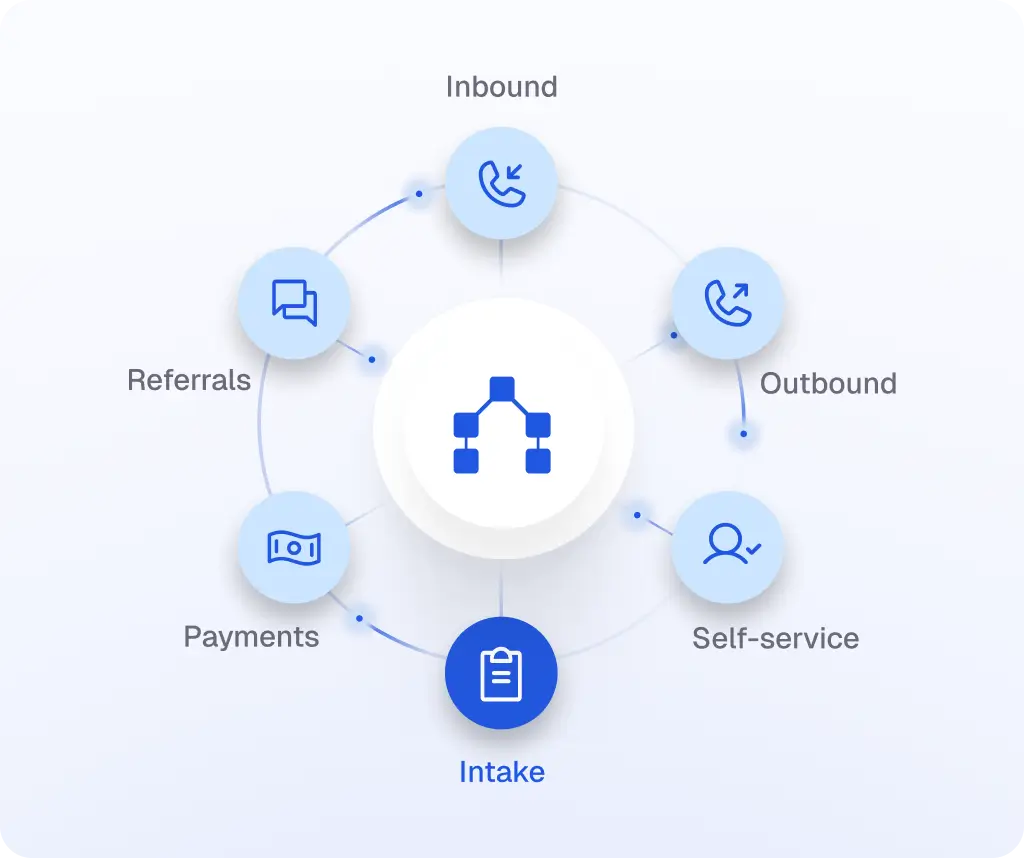
It runs on the same platform and patient record as Assort’s Voice, Self-service, Outreach, Referral, and Payment agents.
With shared patient context, the patient arrives at the form already recognized. Assort can:
For a practice already running Assort, Intake goes on top of an EHR integration that is already live.
Walk through your own forms, outreach timing, and EHR field mappings with our team.
Assort sends forms by text and branded email on timing your practice sets, reminds patients who haven’t finished, and writes their responses into your EHR. Patients complete forms on their phone with no account to create, and can also check themselves in on a kiosk or iPad and pay a copay in the same flow. Your front desk sees completion status across the day’s schedule.
On supported EHRs, answers can be written into the specific fields your team uses, with mappings configured form by form. If an EHR does not support an endpoint, Intake attaches the completed form to the chart instead.
Yes. Your team can edit form content, conditional logic, branding, messages, and reminder timing.
No. Patients confirm their name and date of birth, then enter a text code to access their forms. Progress autosaves, so they can stop and return later.
Yes. Patients identify themselves on a kiosk or iPad, select their appointment, finish anything outstanding, and check in without talking to staff. Copays and outstanding balances can be collected through the forms before the visit or at the counter on a card reader supporting insert, tap-to-pay, and manual entry.